

Dual-band Wi-Fi 6, AX3000
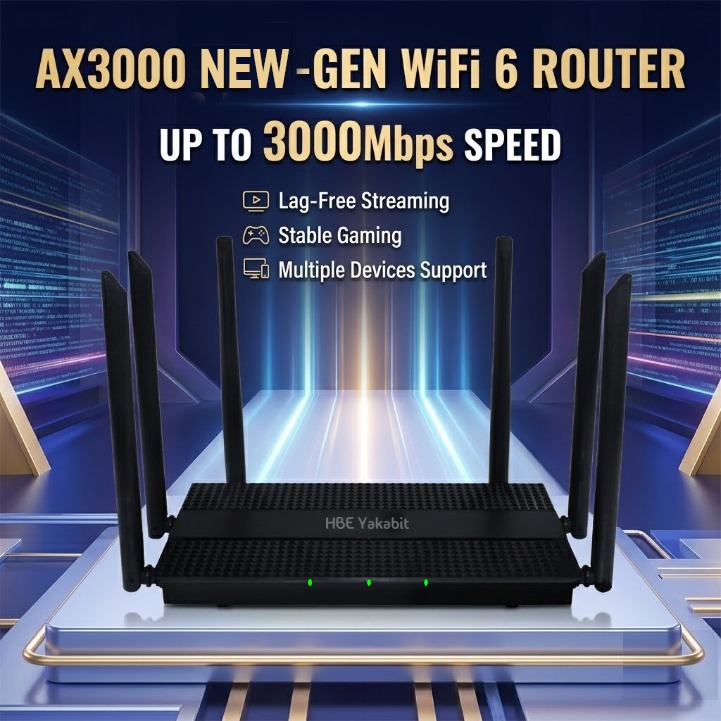
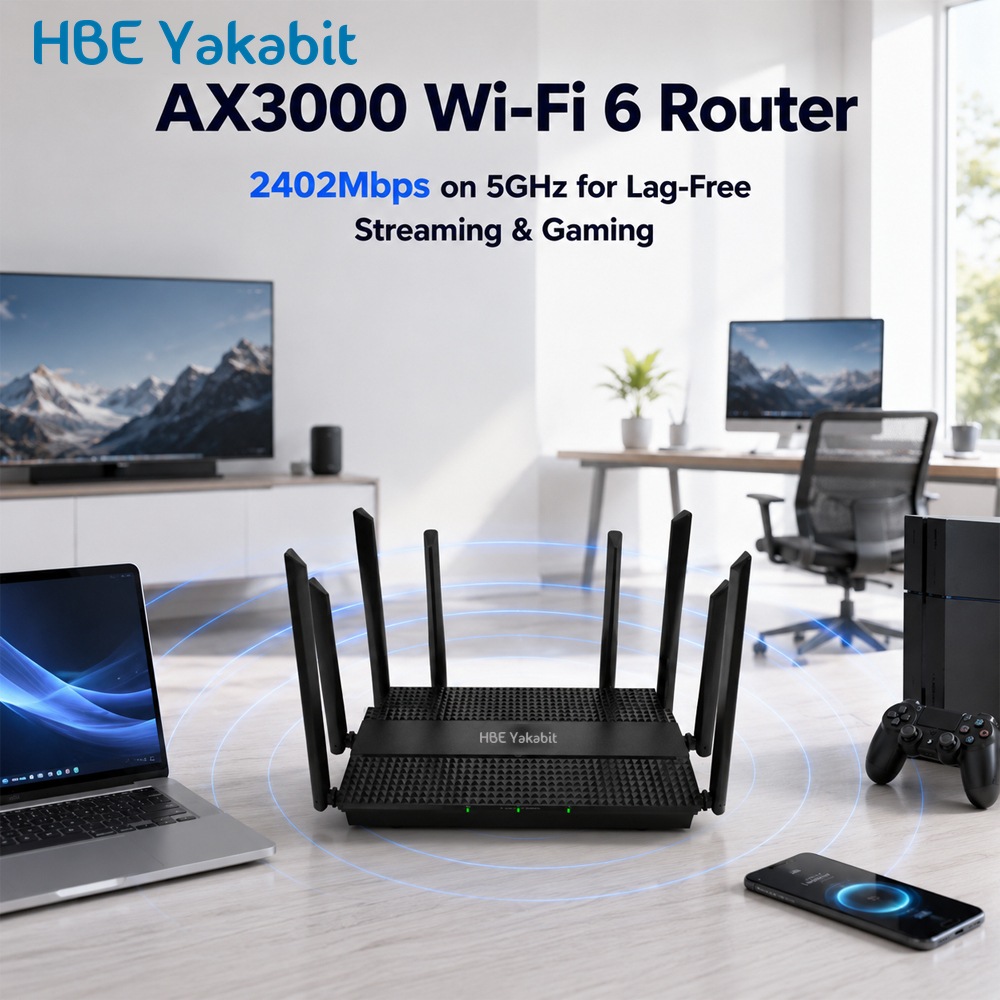
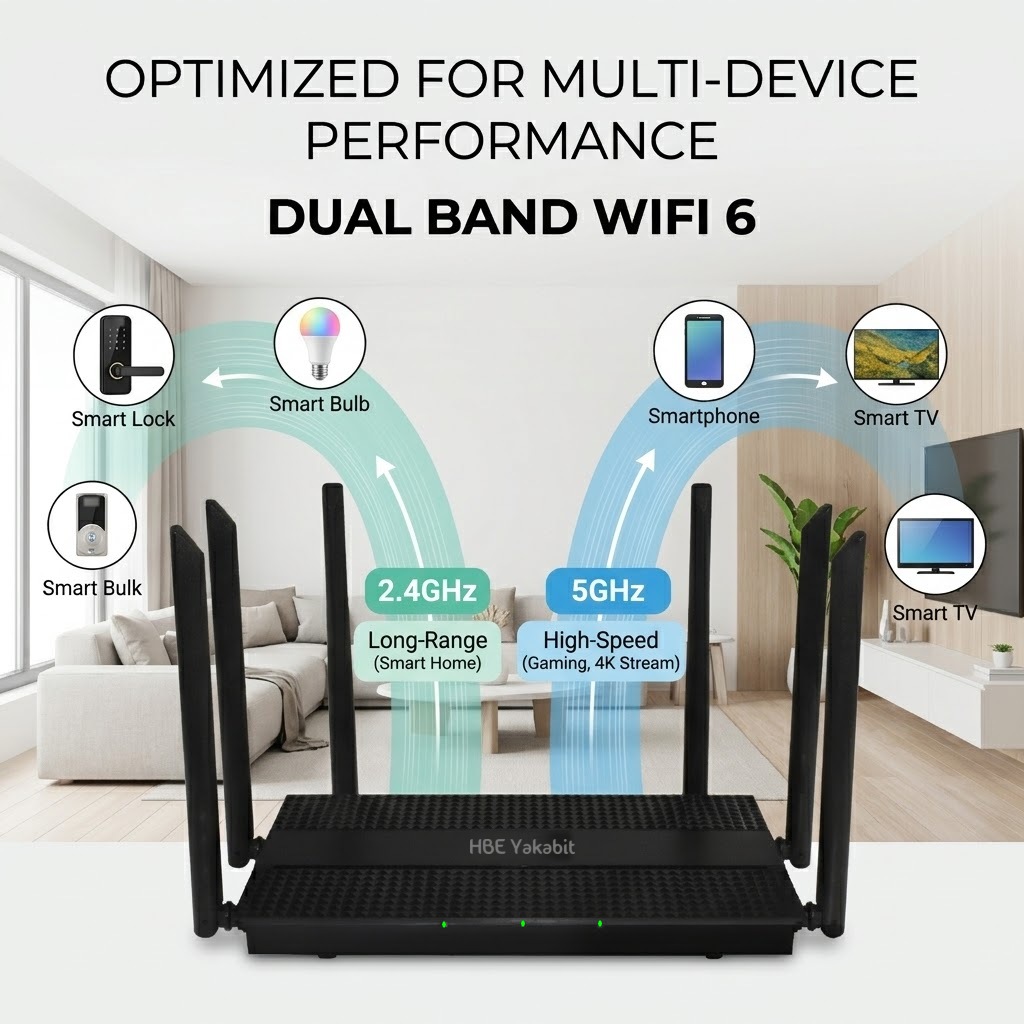
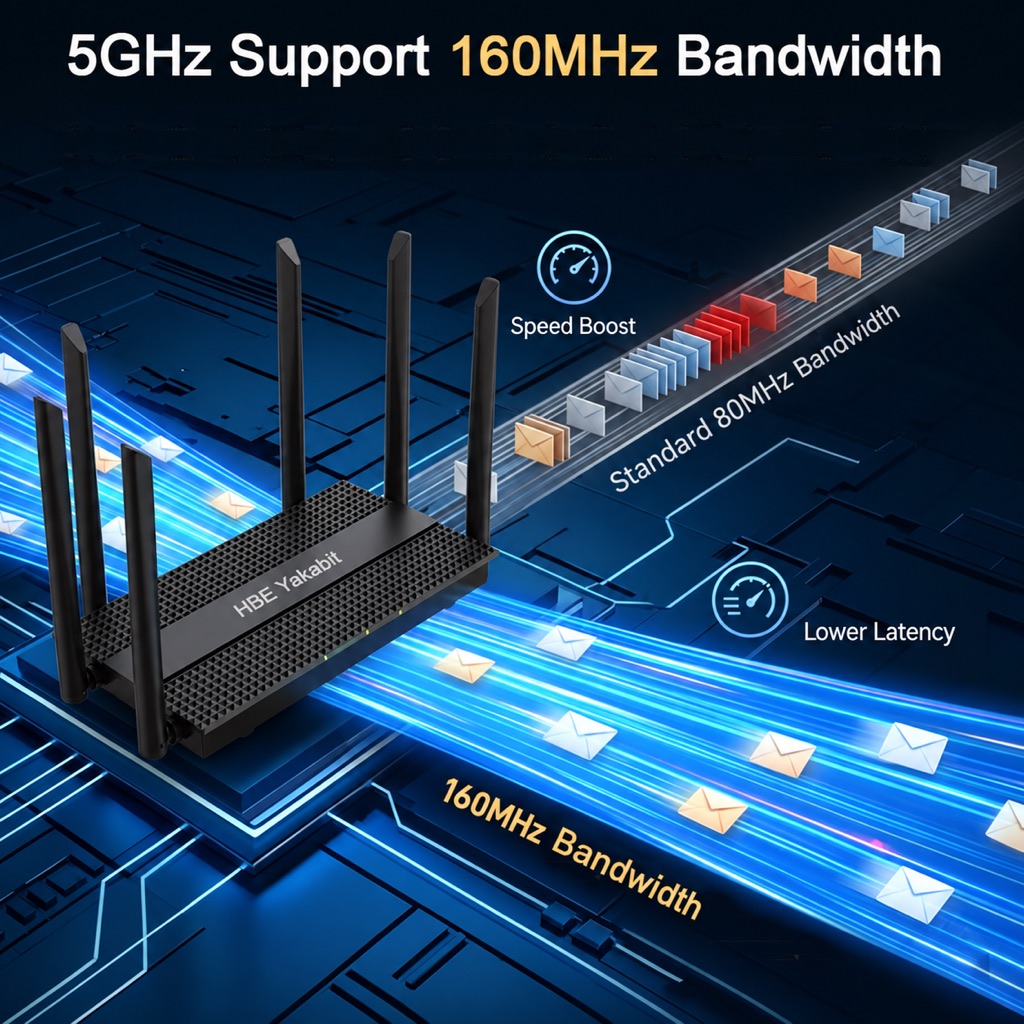
574 Mbps at 2.4 GHz and 2402 Mbps at 5 GHz, with 160 MHz channel support on the 5 GHz band.
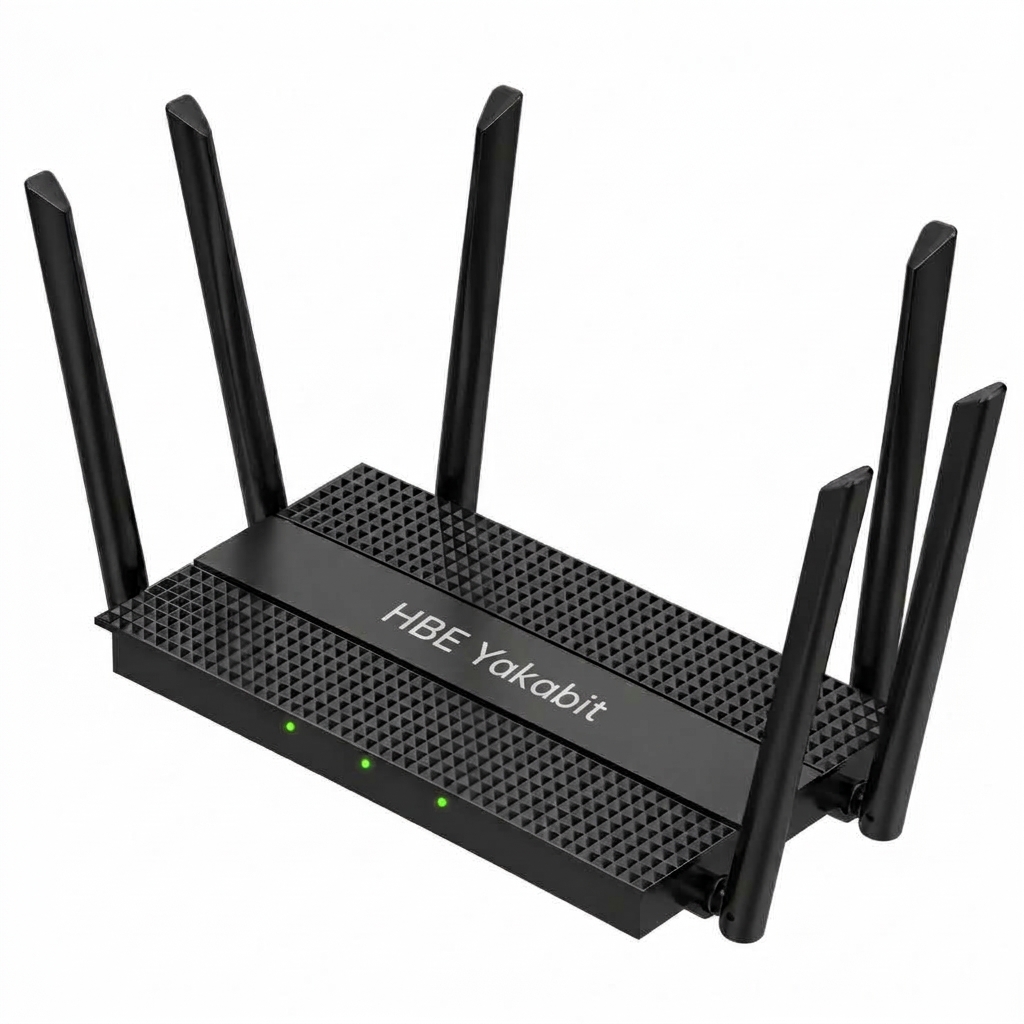
Dual-Band Wi‑Fi 6 Router — up to 3000 Mbps combined, six 5 dBi antennas and five Gigabit ports
Model HBE-AX3000This router has a special configuration of OpenWrt software
The HBE‑AX3000 is a dual-band Wi‑Fi 6 router configured with the popular highly secure OpenWrt software perfect for homes and small offices that have outgrown a carrier-supplied gateway. It pairs a 2.4 GHz radio at up to 574 Mbps with a 5 GHz radio at up to 2402 Mbps, and puts six 5 dBi external antennas around the chassis so the signal reaches the far corners of a building rather than the room the router sits in.
Wi‑Fi 6 matters most where a network is busy rather than where it is fast. On a household or an office of phones, laptops, cameras and voice handsets, the gain shows up as lower latency and less congestion when everyone is on at once, rather than as a higher number on a speed test.
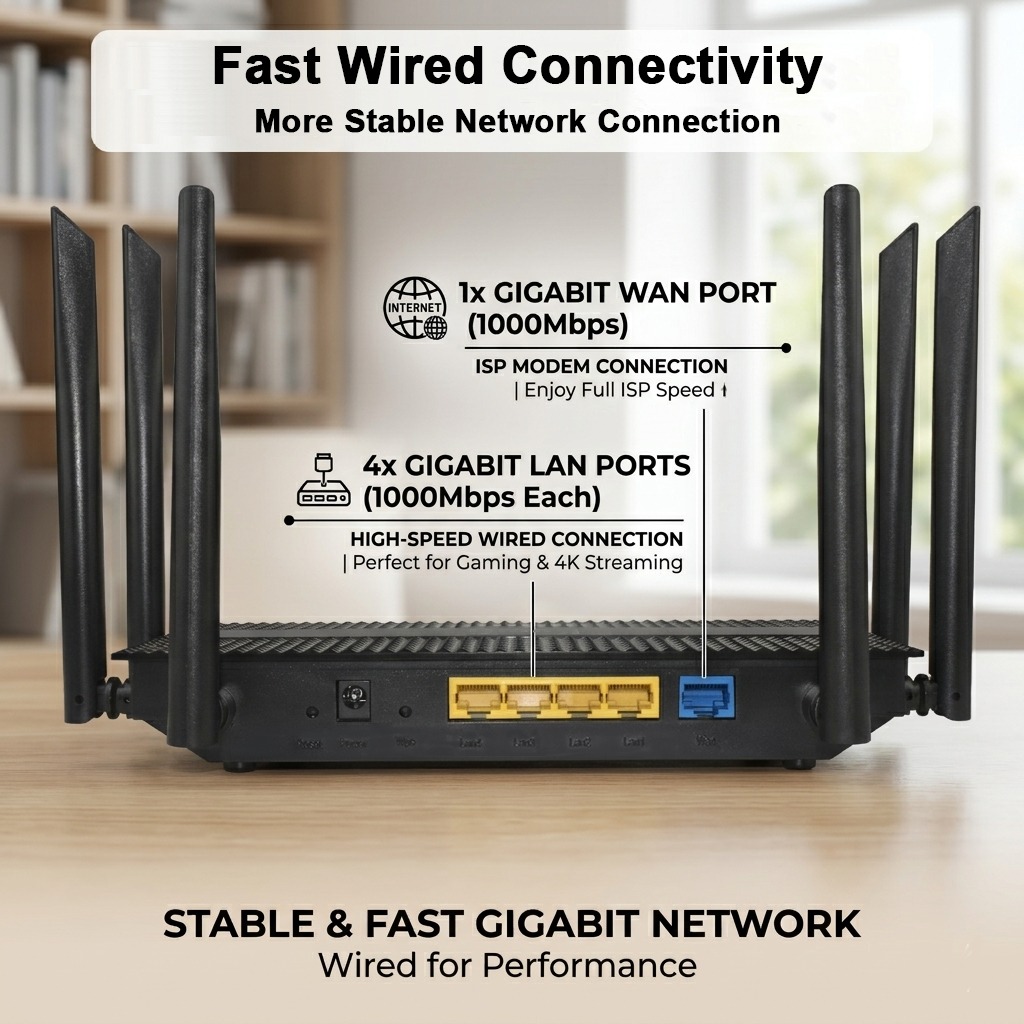
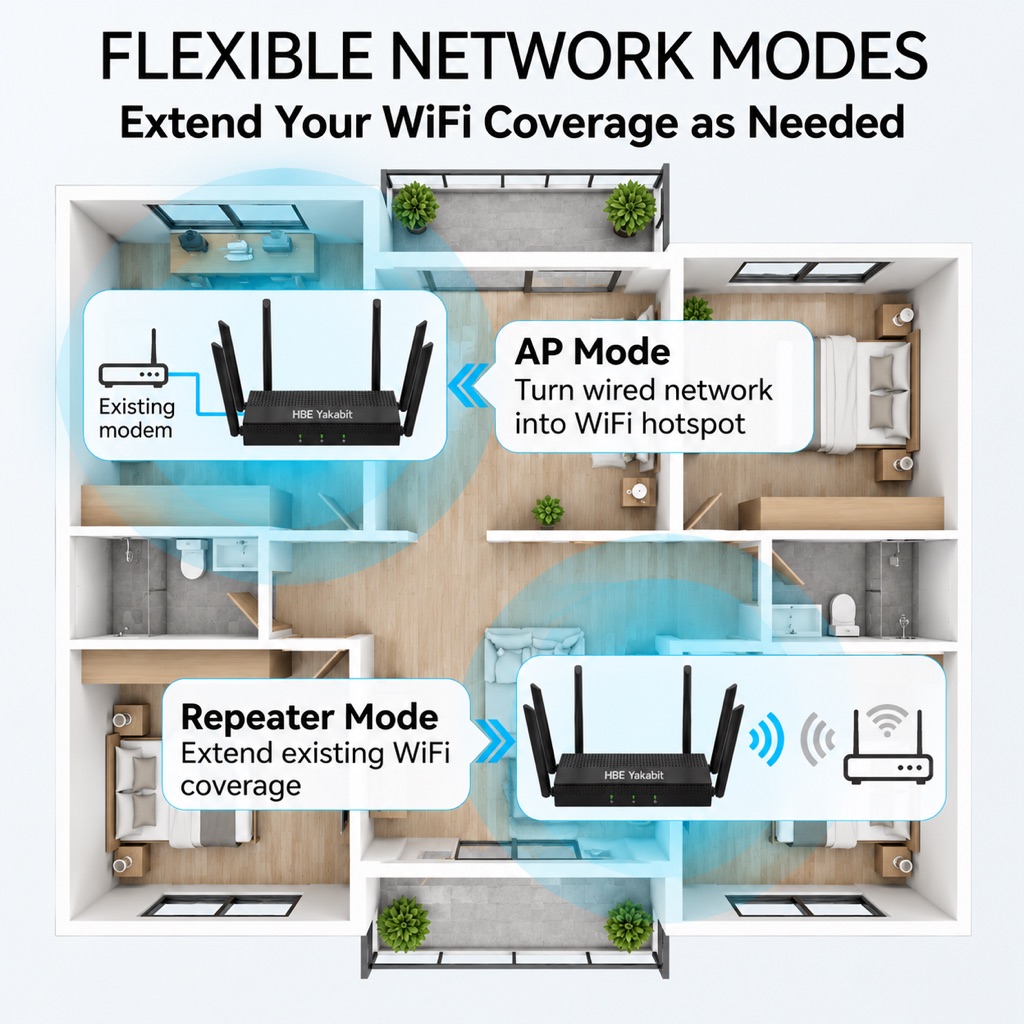
Wired clients are not an afterthought: one Gigabit WAN port and four Gigabit LAN ports handle the broadband uplink and four wired devices at full speed. It runs as a DHCP or PPPoE gateway, as an access point on an existing network, or as a wireless repeater, and pairs with compatible Mesh units when one unit will not cover the building.
HBE Yakabit supplies and supports the HBE‑AX3000 directly — the same arrangement as the rest of our hardware: one company for the router, the internet service and the phone system, and one number to call when something needs attention.
574 Mbps at 2.4 GHz and 2402 Mbps at 5 GHz, with 160 MHz channel support on the 5 GHz band.
High-gain omnidirectional antennas around the chassis, so coverage reaches the far rooms rather than dying at the first wall.
One Gigabit WAN port for the broadband uplink and four Gigabit LAN ports for wired devices at full speed.
Run it as a gateway, add it to an existing wired network as an access point, extend Wi-Fi as a repeater, or pair it with compatible Mesh units.
What the six antennas, the Gigabit ports and the four operating modes mean once the unit is installed.
| Model |
|
|---|---|
| Wireless standards |
|
| Operating System |
|
| Wi-Fi bands |
|
| Combined wireless rate |
|
| Wi-Fi rate |
|
| Frequency range |
|
| Channel width |
|
| Antennas |
|
| Interface |
|
| Recommended cabling |
|
| Operating modes |
|
| Router functions |
|
| VPN protocols |
|
| Wireless security |
|
| LED Indicator |
|
| Default management IP |
|
| Modem |
|
| Power input |
|
| Reset |
|
| WPS / Mesh button |
|
Speed, coverage, wiring, VPN and the operating modes — the detail shots.



Wireless rates are theoretical PHY maximums; real-world performance varies with environment, client capability and network conditions. Available channels and frequencies vary by country and region. The specifications on this page and the data sheet describe the six-antenna model — check the antenna and port count on your unit before working from the sheet.